AI Solutions
Put AI coworkers to work across your organization. CRI Advantage designs, builds and supports each one around your SOPs, your approval points and the systems you already use.

Put AI coworkers to work across your organization. CRI Advantage designs, builds and supports each one around your SOPs, your approval points and the systems you already use.
Each coworker owns one defined job, follows your SOPs and reports to a person on your team.

Our AP coworker enters vendor invoices, checks each one against the contract, PO and budget, and keeps your AP inbox moving. It never releases a payment. Your people do.
See how it works

Our AR coworker supports invoicing and receivables and keeps customer follow-up on schedule. Nothing goes to a customer until your team approves it.
See how it works

Our Time Management coworker finds missing or incomplete timesheets and drives follow-up before every deadline. Your managers keep final approval on every timesheet.
See how it works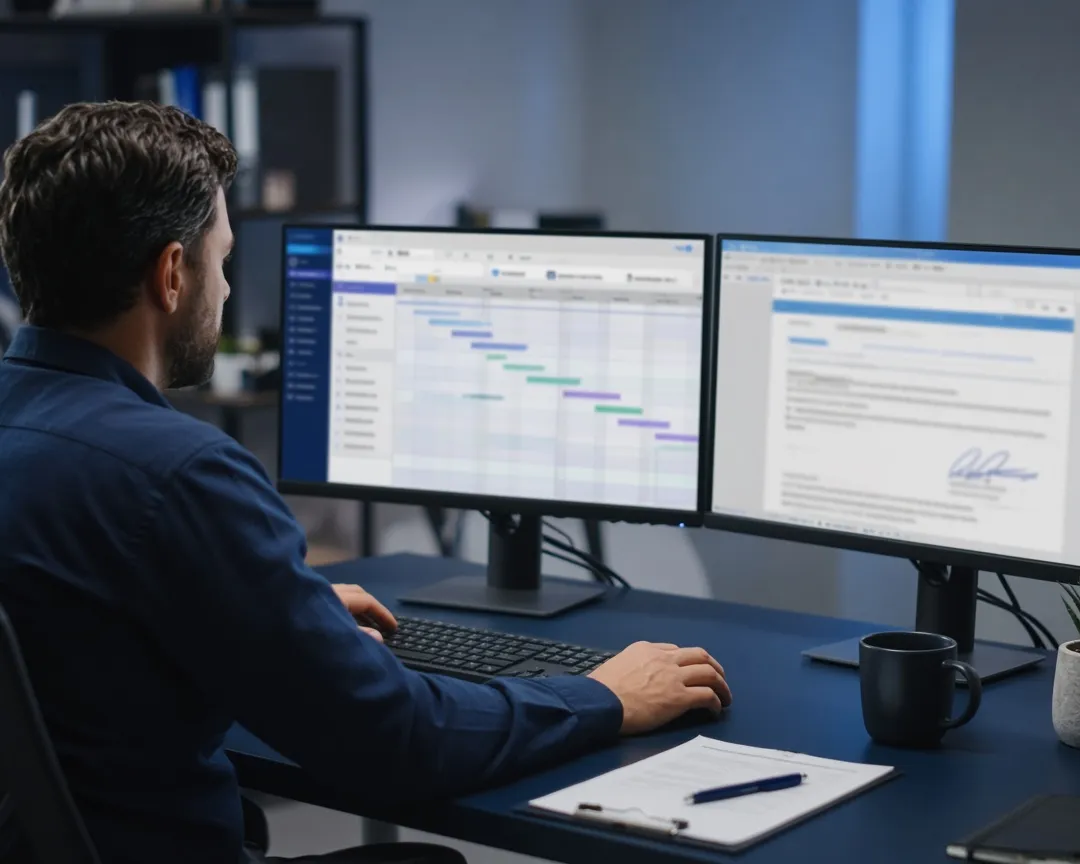
Our Unanet Project Management coworker turns a fully signed contract into a ready Unanet project: it reads the signed SOW, matches or sets up the project, and previews every project, financial and billing-schedule change for your approval. Nothing changes in Unanet until your team approves.
See how it works
Our RFP & Proposals coworker reads new RFPs, scores the fit and drafts the compliance matrix so your capture team starts every bid with the facts in front of them.
See how it works
Our Contract Review coworker reads the agreements your team receives, from NDAs, MSAs and SOWs to subcontracts and license agreements, and returns a short brief: status, top issues, confirms and next steps. It spots issues. Your people make every contract decision.
See how it works

Our Recruiting coworker keeps hiring mail sorted and turns approved job descriptions into clear job ads. A person on your team decides who to interview and who to hire.
See how it works
Our IT Admin coworker takes on the routine Microsoft 365 reporting and review your IT lead would otherwise do by hand: weekly usage and health reports, a daily brief of what needs attention, and a review of your enterprise apps. It reads first and drafts changes for a person to approve.
See how it works

Our Website, SEO & AEO coworker keeps your site current and gets you found, in Google search and in the answers people get from AI tools like ChatGPT, Gemini and Perplexity. A person on your team approves every change.
See how it works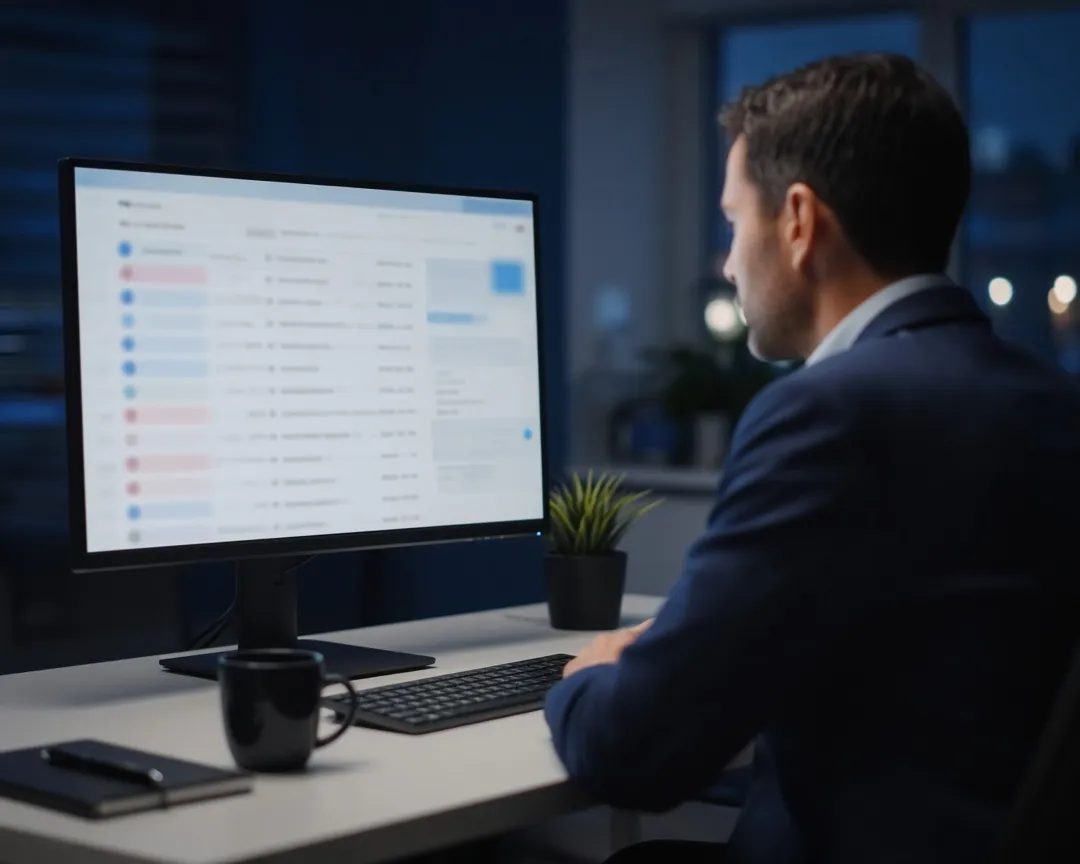

Our Lead Research coworker finds the companies worth calling. It checks public sources every day, scores each company against your fit rules, and hands sales a lead that is ready to work, with the reason it made the list.
See how it works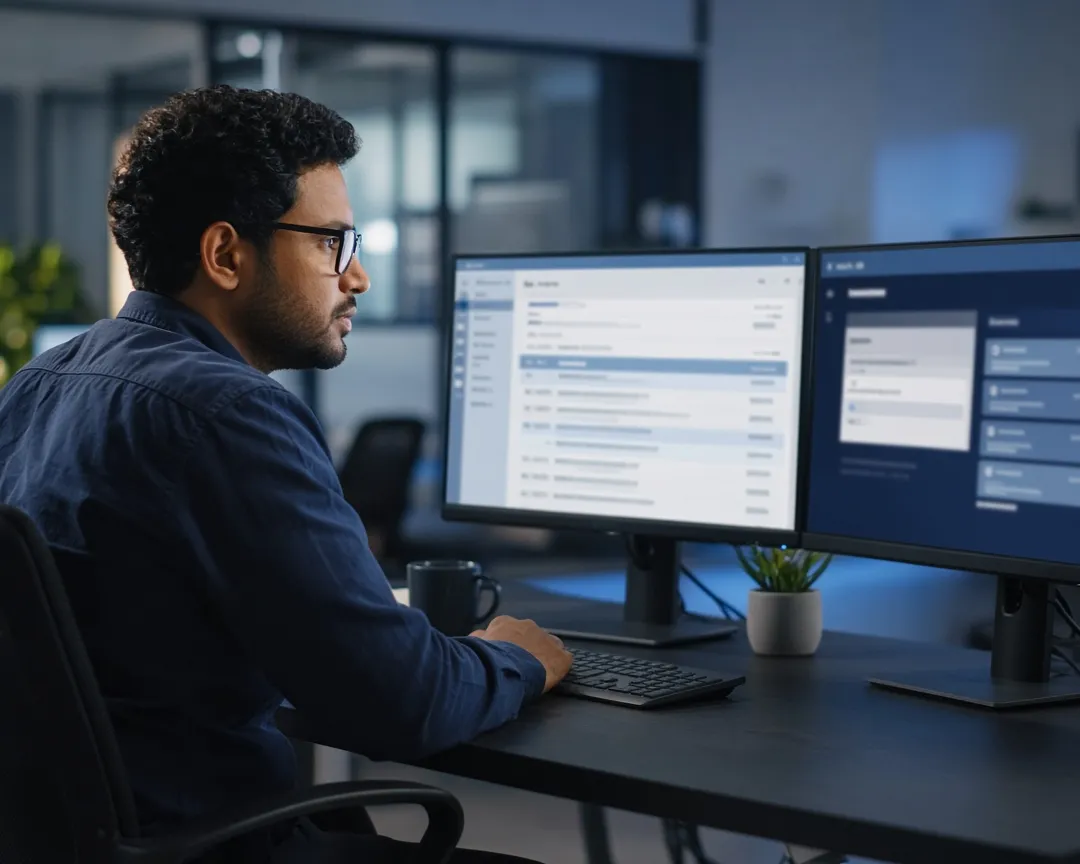

Our Outbound Campaigns coworker turns ready leads into running email campaigns. It cleans every list, makes sure each email has what it needs to send, and holds each campaign until a person approves the launch.
See how it worksFrom choosing the first job to supporting coworkers long after go-live.

Put AI coworkers to work across your organization. CRI Advantage designs, builds and supports each one around your SOPs, your approval points and the systems you already use.
See how it works
Managed support that keeps your AI coworkers accurate, current and improving, so your team can count on them every day.
See how it works
Connect
We connect your coworker to the inboxes, folders and business systems your team already uses. No new platform to learn and nothing to rip out.

Configure to Your SOPs
We build its job around your standard operating procedures, approval rules and escalation paths, and name the person it reports to.

Run With Human Review
Your coworker works its queue every day and reports what it finished and what needs a decision. Your people approve before anything final happens.
Start with the job that eats the most hours. Tell us which one it is, and we’ll show you what an AI coworker for that role would look like on your team.
Put AI coworkers to work across your organization. CRI Advantage designs, builds and supports each one around your SOPs, your approval points and the systems you already use.

A Defined Role, Not a Chatbot Each coworker owns one job, from the first input to the finished hand-off.

Your SOPs, Your Sign-Off It follows your procedures and reports to a person on your team.

Works in Your Existing Tools We connect your coworker to the inboxes, folders and business systems your team already uses.

What is an AI coworker?
A coworker, not a chatbot. Each one owns one defined job, follows your SOPs and reports to a person on your team.
Does a person stay in charge?
Yes. Every coworker has a defined job, a named person it reports to and clear approval points. Your people approve before anything final happens.
What tools do they work with?
The tools you already use. We connect your coworker to the inboxes, folders and business systems your team already uses. No new platform to learn and nothing to rip out.